



Playzini Mobile Application
Playzini App works on mobile without forcing you to visit the App Store or Google Play. Because it’s built as a Progressive Web App (PWA), you just launch it in your browser on any phone or tablet. It’s fast. You also get access to all the same games and banking options as desktop users.



How Playzini App Performs on Mobile
Playzini on mobile is fully featured. You get the exact same game library and banking options as desktop users, all reformatted for touchscreens. Logging in, claiming promos and launching slots all happen from one screen.
How mobile casino compares to desktops:
- Navigation: You tap and swipe your screen instead of clicking a mouse.
- Convenience: Play from anywhere you get a signal—no need to sit at a desk.
- Screen Size: Phone displays give you less room, so graphic-heavy games might feel a little tight.
There is no app store installation for the Play Zini App. Simply add the casino to your home screen and launch it like any other app. It starts quickly and doesn’t use much storage.
Playzini Progressive Web App
The Playzini app opens through your mobile browser and can be added to the home screen in a few steps. After installation, it works like a regular application without downloading a Playzini APK or using the App Store or Google Play.
The Playzini app doesn’t consume your phone memory. Most data streams directly from the web, giving you quick home-screen access to slots and profile settings.
You won’t have to deal with manual app updates, either. Unlike regular native apps, PWAs update in the background. The newest features load automatically as soon as you launch the app.
Application for Smartphones and Tablets
The Playzini app works on smartphones and tablets. Pin it to your home screen as a PWA or simple web shortcut. When you open it, the casino runs in a standalone window instead of a crowded browser tab, giving you a true app experience.
iOS App
iPhone and iPad users need to open the Playzini website in Safari. Tap the Share button, choose Add to Home Screen, and confirm the action. This Playzini app download takes only a few seconds because no files need to be installed. Once added, the Playzini icon appears on your home screen, and a tap opens the casino. You can also create a shortcut with the iOS Shortcuts app if you prefer.
Android App
On Android, open the Playzini website in Chrome. Tap the menu with three dots and select Add to Home Screen. After that, the Playzini app opens from its own shortcut instead of the browser.
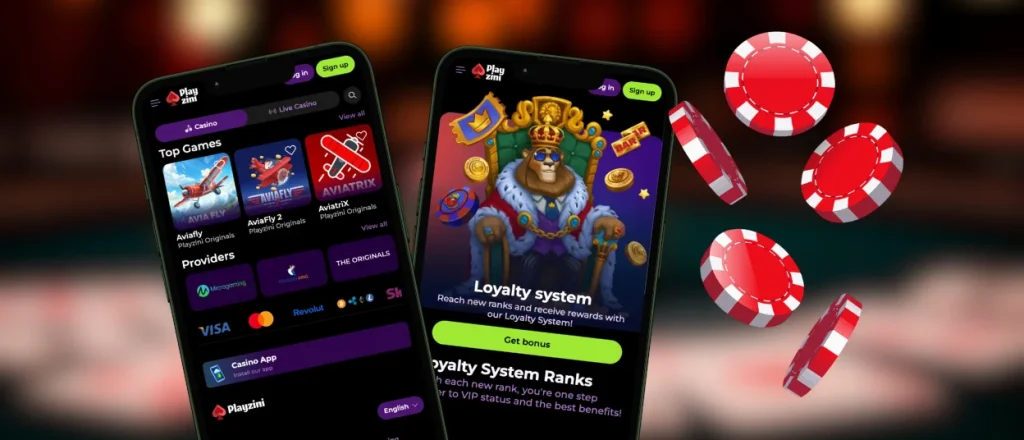
Play Playzini on Windows and Mac
The Playzini app is not limited to mobile devices. You can also use the casino on Windows and Mac through any modern browser. There is nothing to download, and your account works the same way as it does on a phone or tablet.
Many users prefer playing on a computer for a few simple reasons:
- A larger screen gives a better view of games and live tables;
- Mouse and keyboard controls feel more comfortable for some users;
- It is easier to keep several tabs open while playing;
- Long sessions do not drain your phone battery;
- Payments and bonuses are available in one place.
If you use Chrome, you can also create a desktop shortcut. Open the Playzini website, click the three-dot menu, choose “Cast, save and share,” then select “Create shortcut.” The casino will open from the desktop in its own window, so you do not need to search for the website every time.
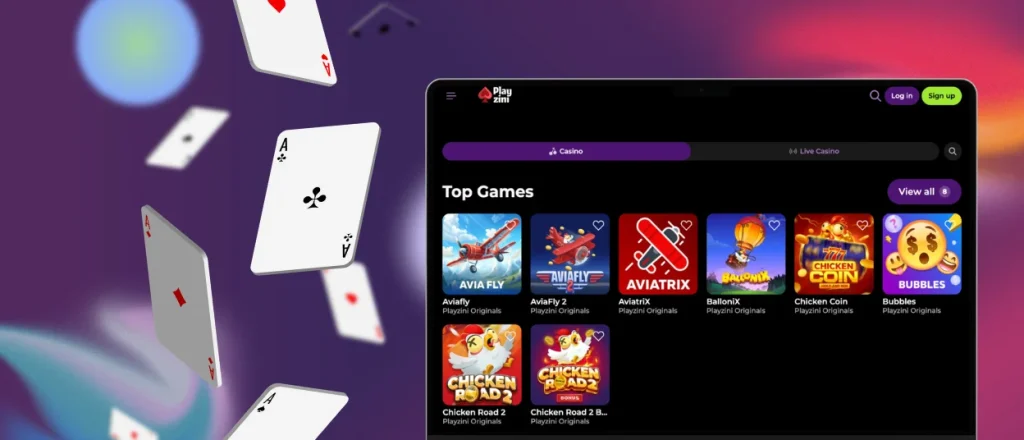
Mobile Touch Experience
The Playzini app is built for touch screens, so most actions take only a tap or swipe. You can open games, switch between categories, claim bonuses, or check your wallet without extra steps. This feels faster than using a mouse on a small screen.
The site scales nicely on mobile screens. Menus stay close to your thumbs, buttons are big enough to tap without misclicking, and pages reformat automatically. You won’t be pinching or zooming around to read text on smaller displays.
Playing with touch controls is fast. You can spin slots, tweak your bet size, or switch menus in a second. No lag. It’s perfect if you’re on the go and want a quick gaming session.
FAQ
Can I contact customer support through the Playzini Casino app?
Yes, you can get support in-app. There’s no need to switch over to a web browser. Open the live chat or check out the other contact methods available.
How is the mobile app different from the desktop version?
The main difference is screen space and controls. The Play Zini App is built for touchscreens and one-handed play, so the menus look a little different. A desktop gives you a bigger monitor, which many users prefer for long sessions or live dealer games. If you use the Playzini download app, you still get the same games, account features, banking options, and mobile gambling experience as on the desktop version.
Are my deposits safe when I use the mobile app?
Mobile slots use the exact same security protocols as the main desktop site. Your banking data stays encrypted, and you’ll have access to all the usual deposit and withdrawal methods.
How do I update the Playzini app?
PWA users don’t need to do anything. The app refreshes automatically whenever you open it while connected to the internet. If you’re using the Android APK file, you’ll need to download the latest file from the official website and install it over your current version.


